The backup status page in the RedApp alerts you to any backups that completed with errors, failed, or were missed (skipped) on a given day.
Watch our video or read more below.
Note: More detailed reporting can be set up in one of two ways:
- From Settings > Reports in the RedApp, using the steps in Article 1633.
- From the Storage Platform Console, using the steps in Article 107.
How to view the backup status page
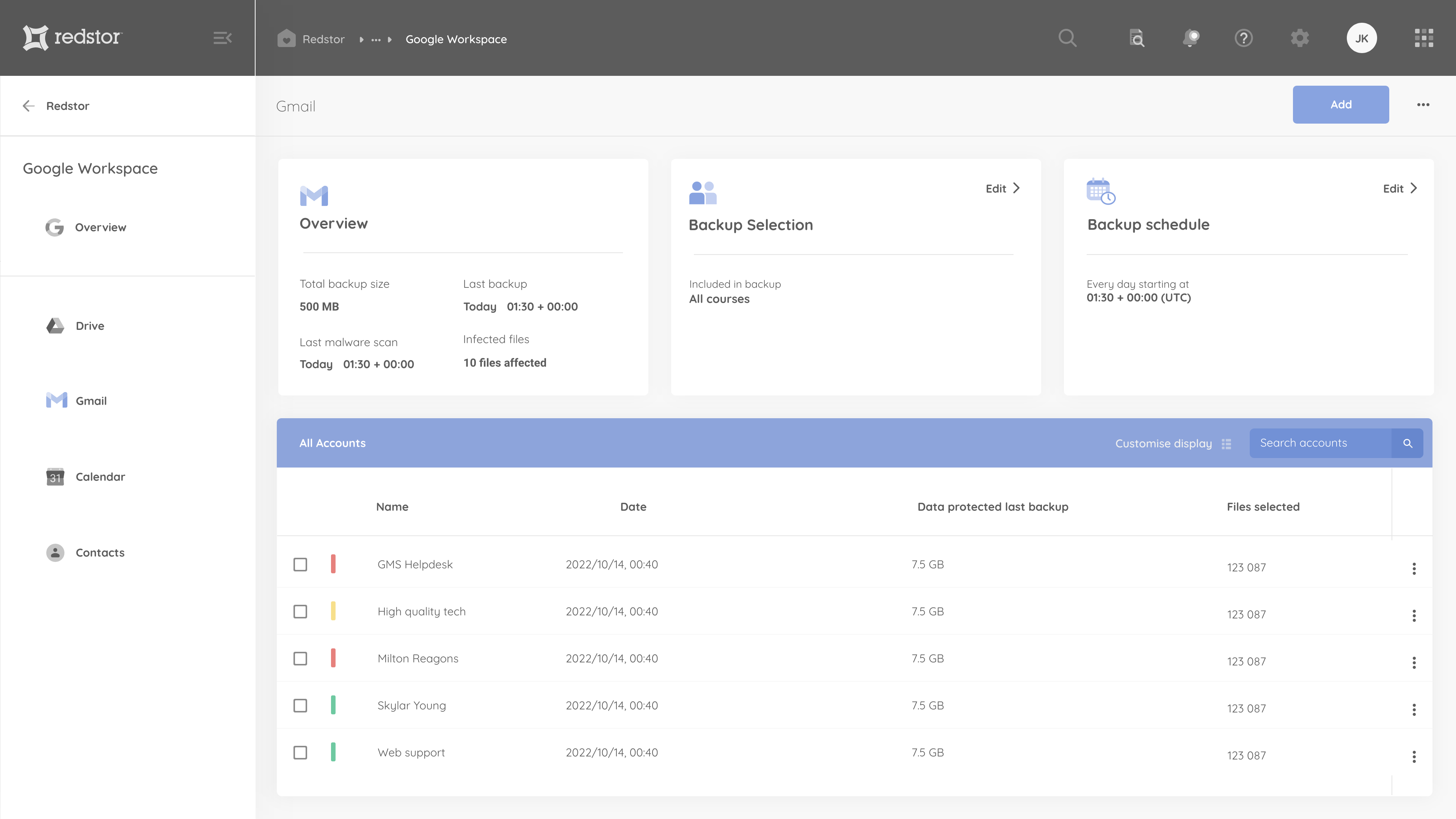
The backup status page in the RedApp displays the status of the last backup for each of your backup sets. The backup status page can be accessed from the relevant card on the Customer Overview, Company Overview or Product Overview dashboard.
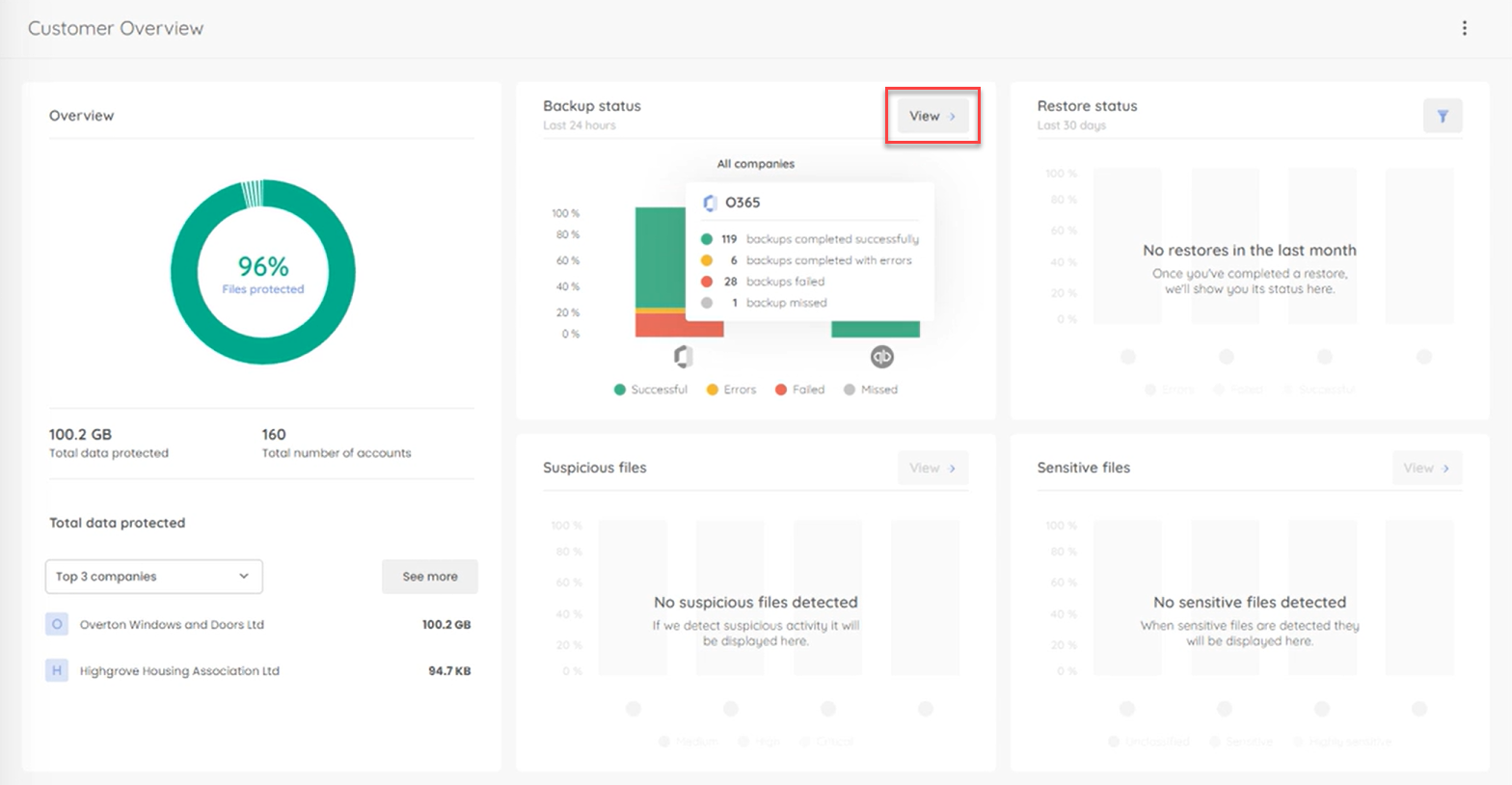
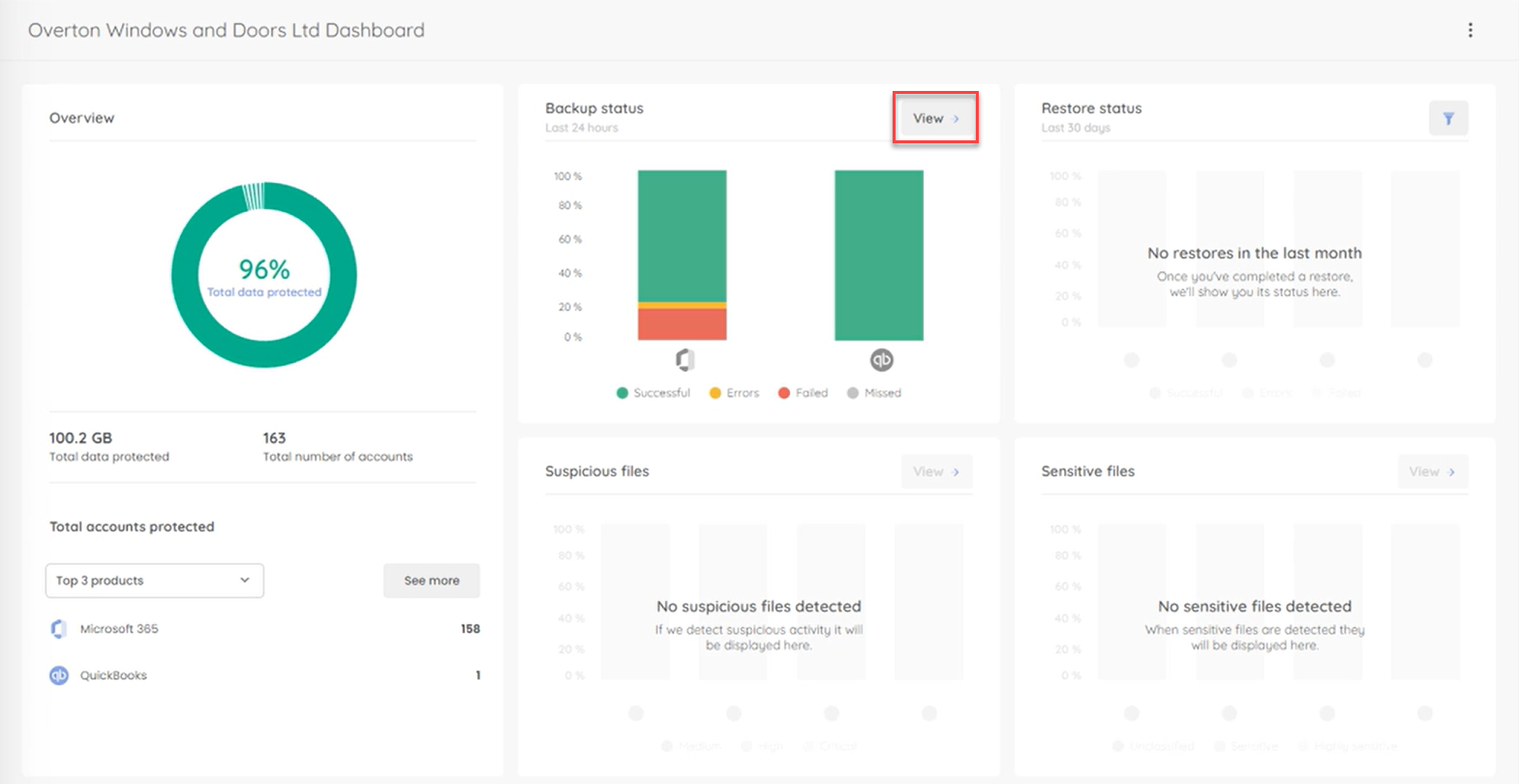
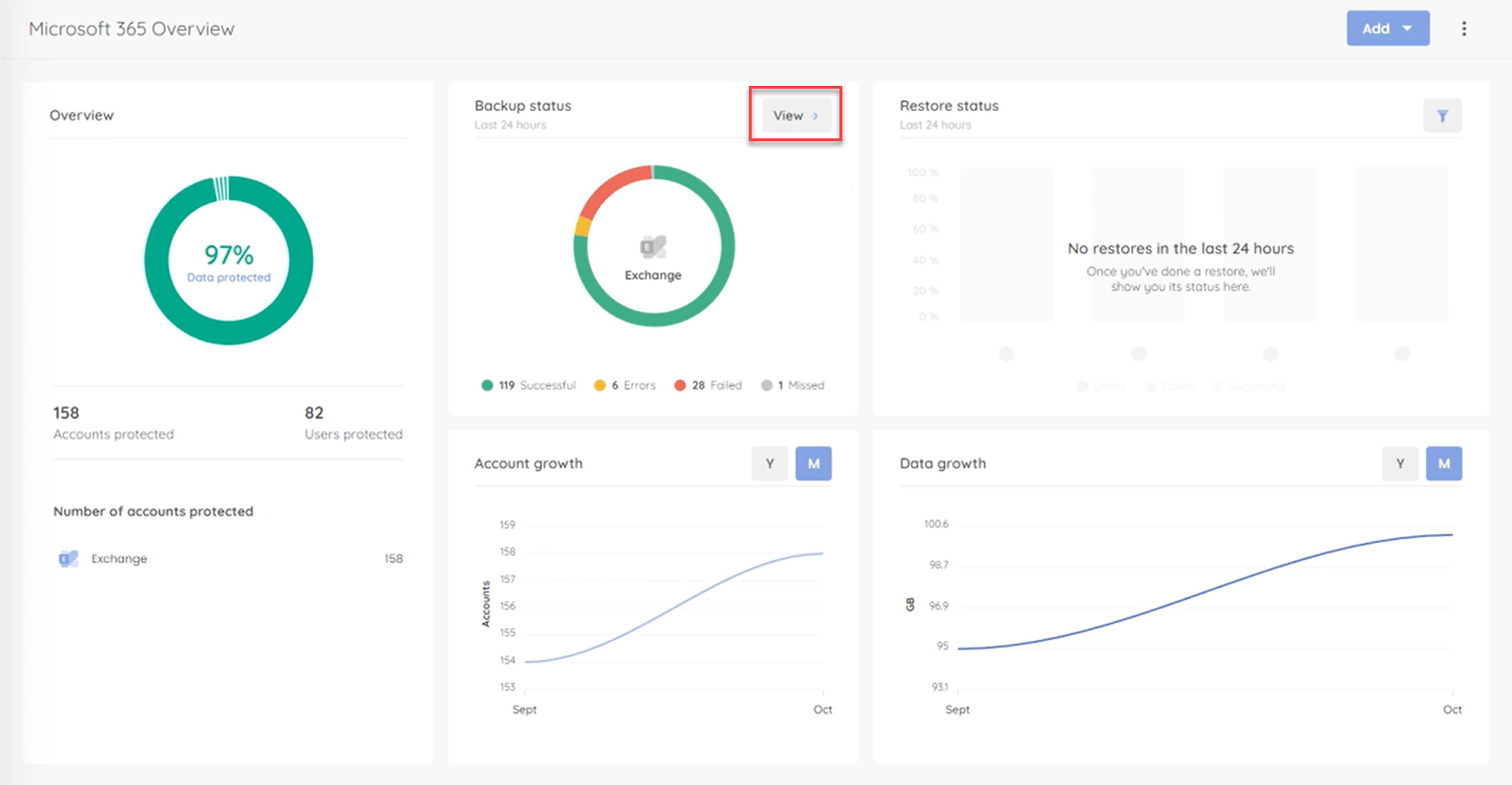
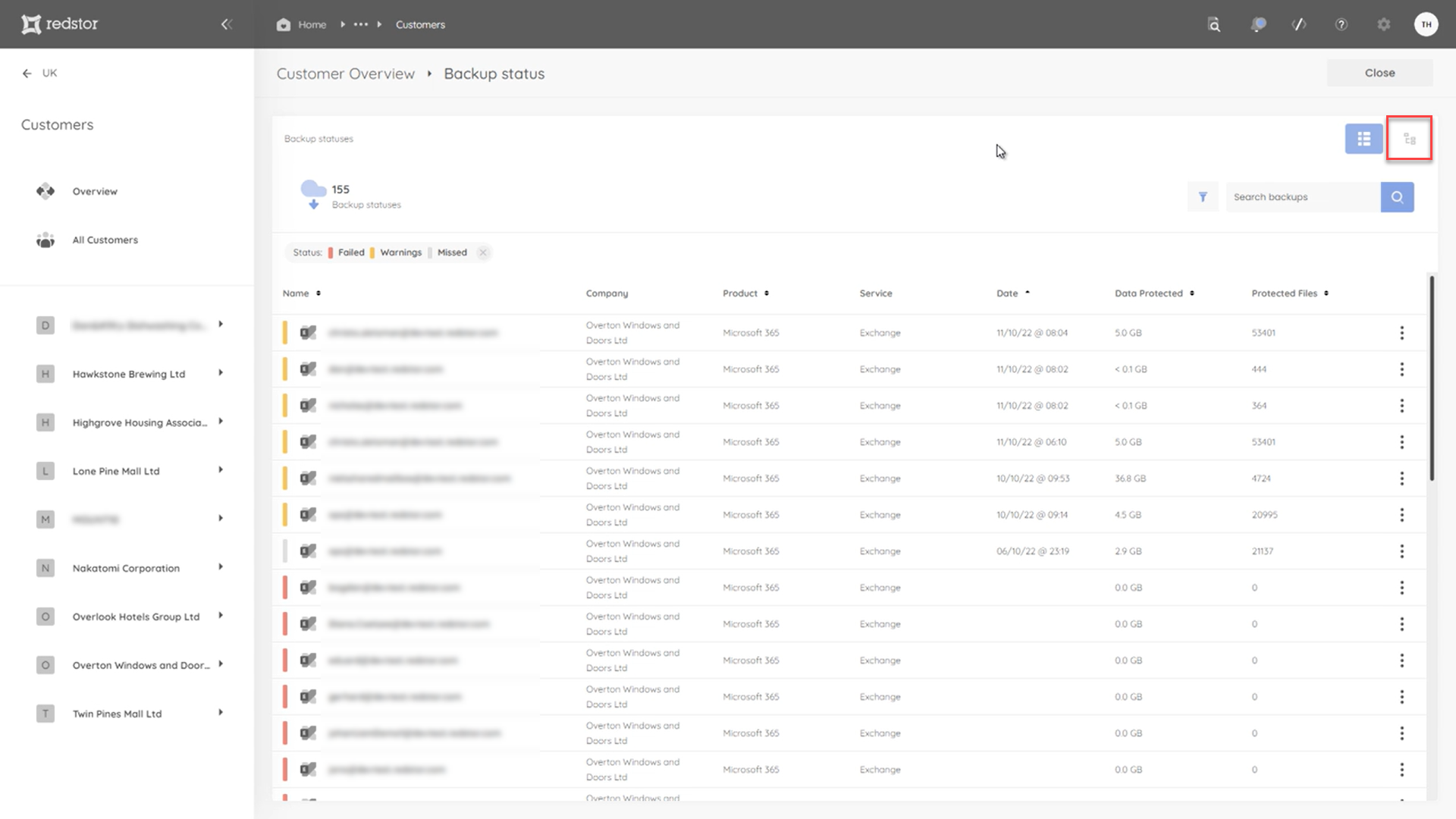
On the backup status page, you will see which backups completed with errors (indicated in yellow), failed (indicated in red), or were missed (indicated in grey). Successful backups (indicated in green) are filtered out by default, but you can view them by adding this status back into the filter selection. You can also filter by product and service.
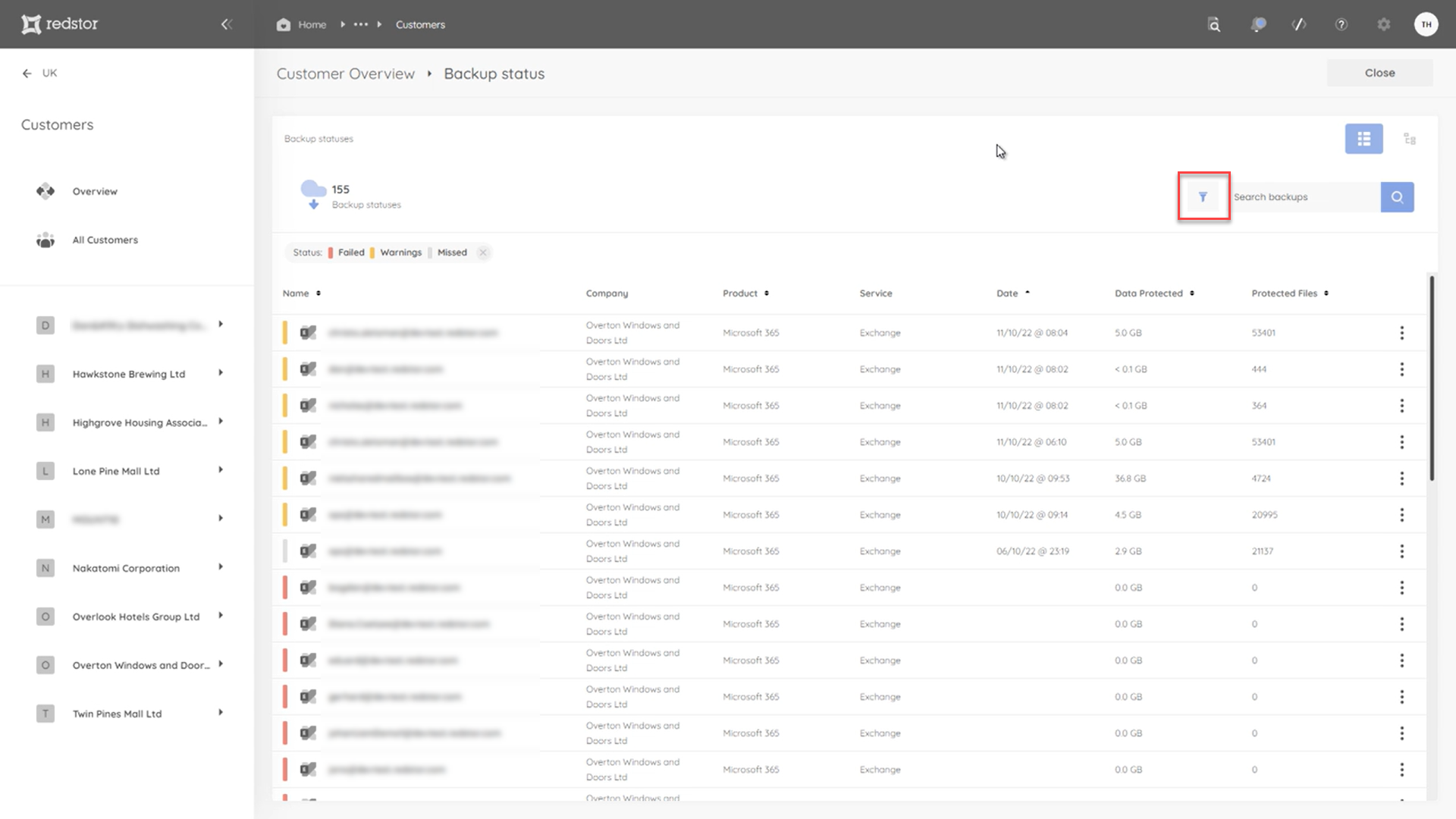
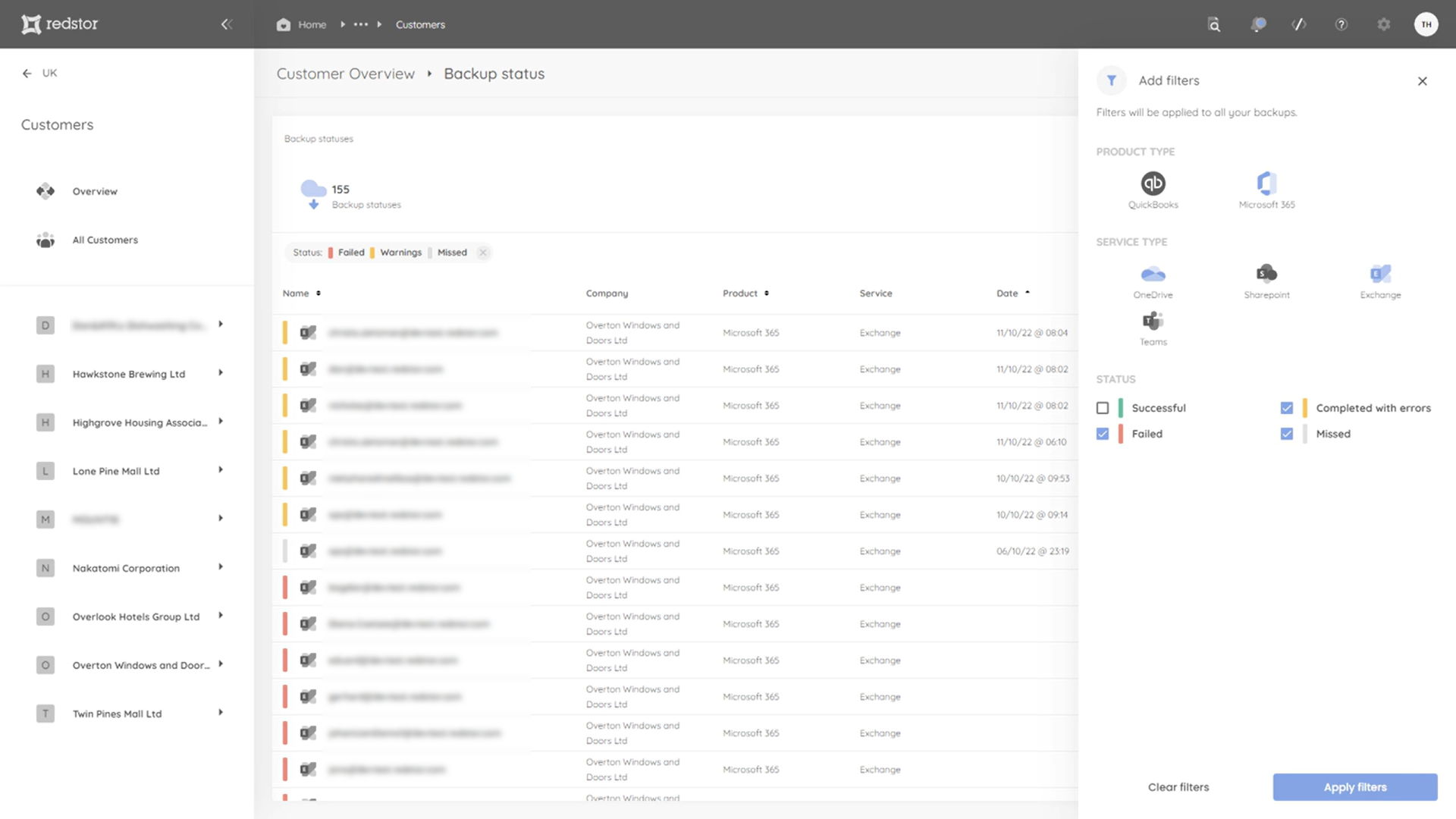
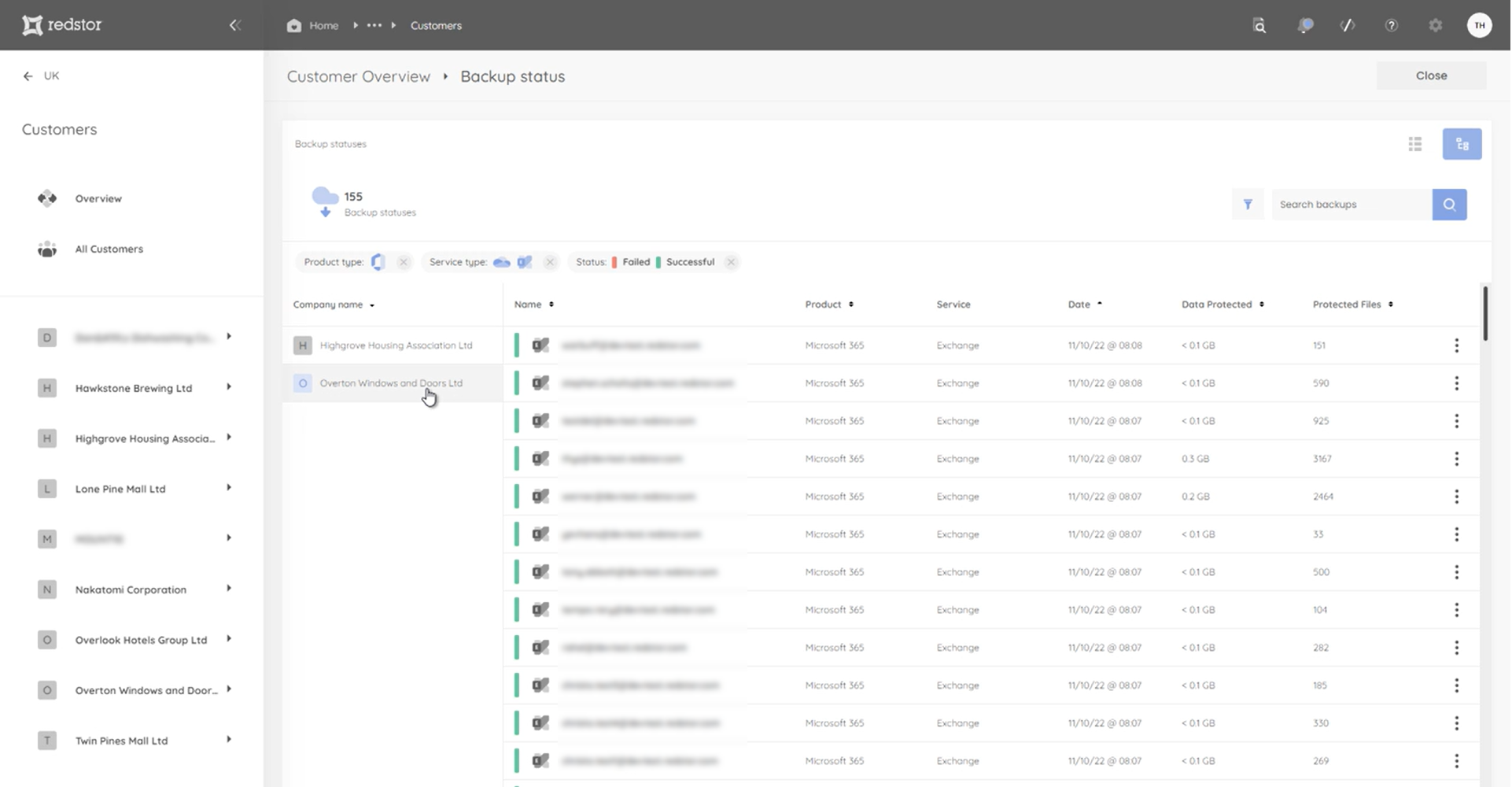
Partners that manage multiple customers can use the companies filter to see a specific customer's backups.
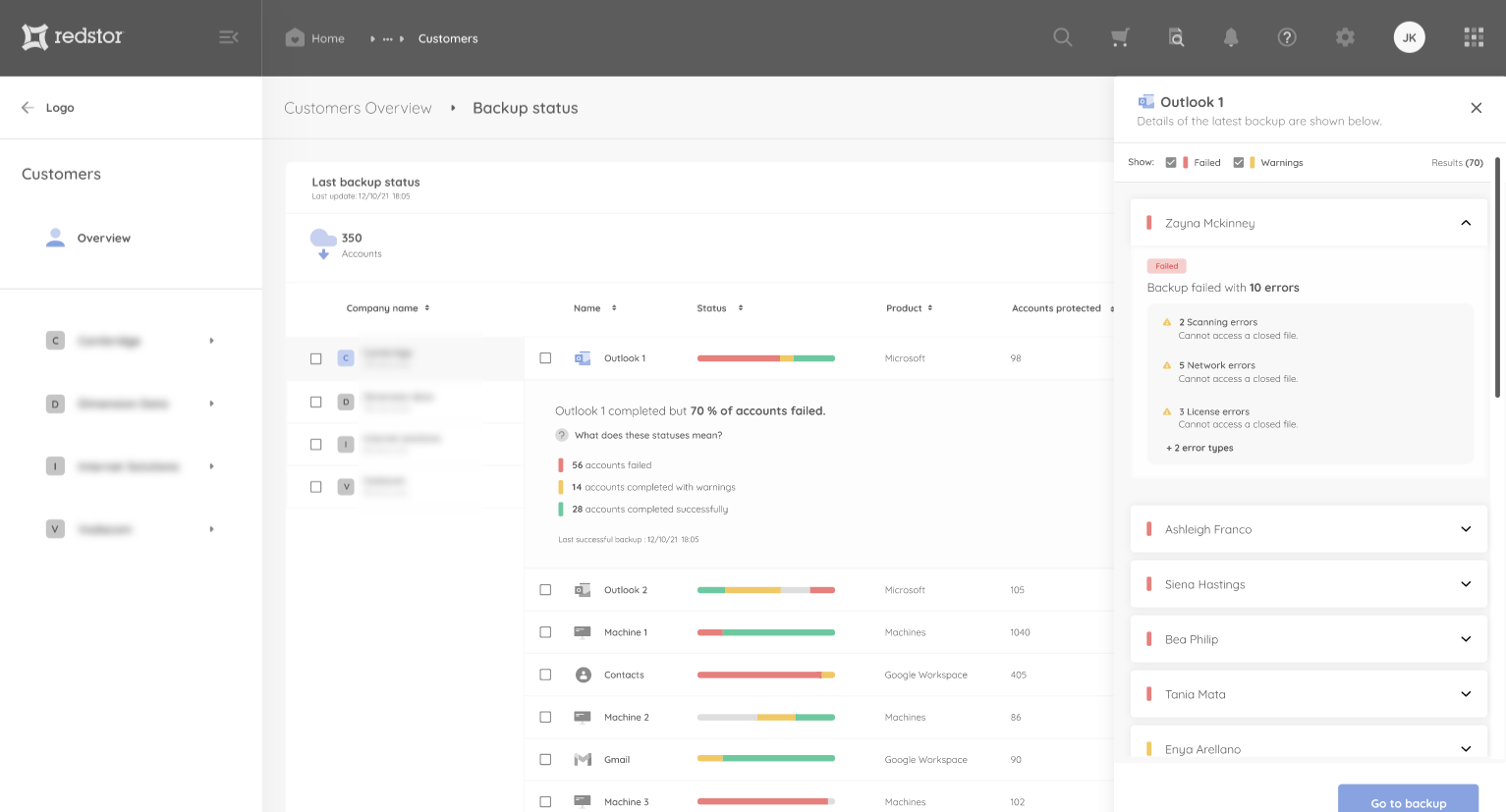
Click on any backup set name to expand it. From there, click View errors to see more information.
Note: To see the full backup history for an account, you will need to drill down into the backup set itself.
Was this article helpful?
That’s Great!
Thank you for your feedback
Sorry! We couldn't be helpful
Thank you for your feedback
Feedback sent
We appreciate your effort and will try to fix the article